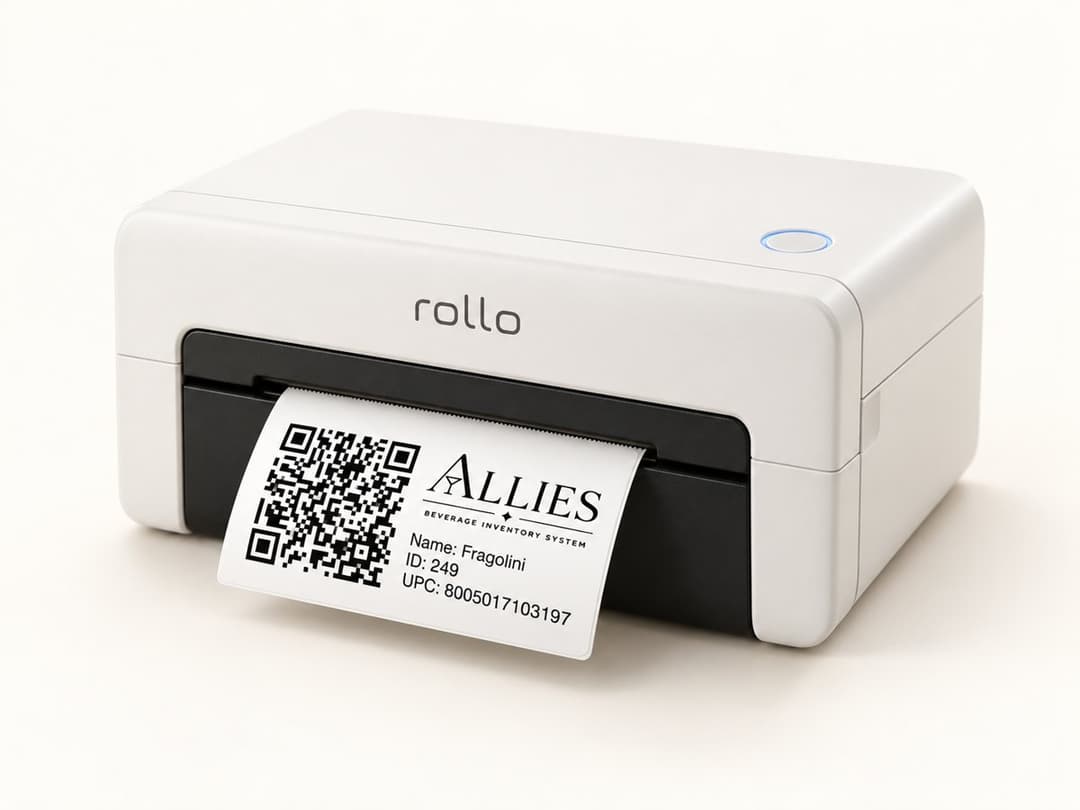
Suggested printer
Rollo Wi-Fi Label Printer
- Print method:Direct thermal label printing
- Supplies:No ink or toner needed
- Connection:Wi-Fi and AirPrint
- Setup:No driver needed
Recommended printer and labels
Print a QR label for each liquor bottle you want to track. Our recommended setup is a Rollo Wi-Fi direct thermal printer with weatherproof 2 × 1 inch labels. Your printer, your choice.
Suggested printer

Recommended labels
Choose label stock compatible with your printer and suitable for the bar.
Rollo app setup
Find Rollo, also listed as Rollo - Print Labels & Ship, in the App Store or Google Play.
Power on the Rollo printer, connect your phone to the same Wi-Fi network, then use the settings menu to add a new wireless printer.
After the Wi-Fi light indicates the printer is connected, print a test label to confirm everything is working correctly.